Spritzer
A downloadable tool for Windows
Spritzer
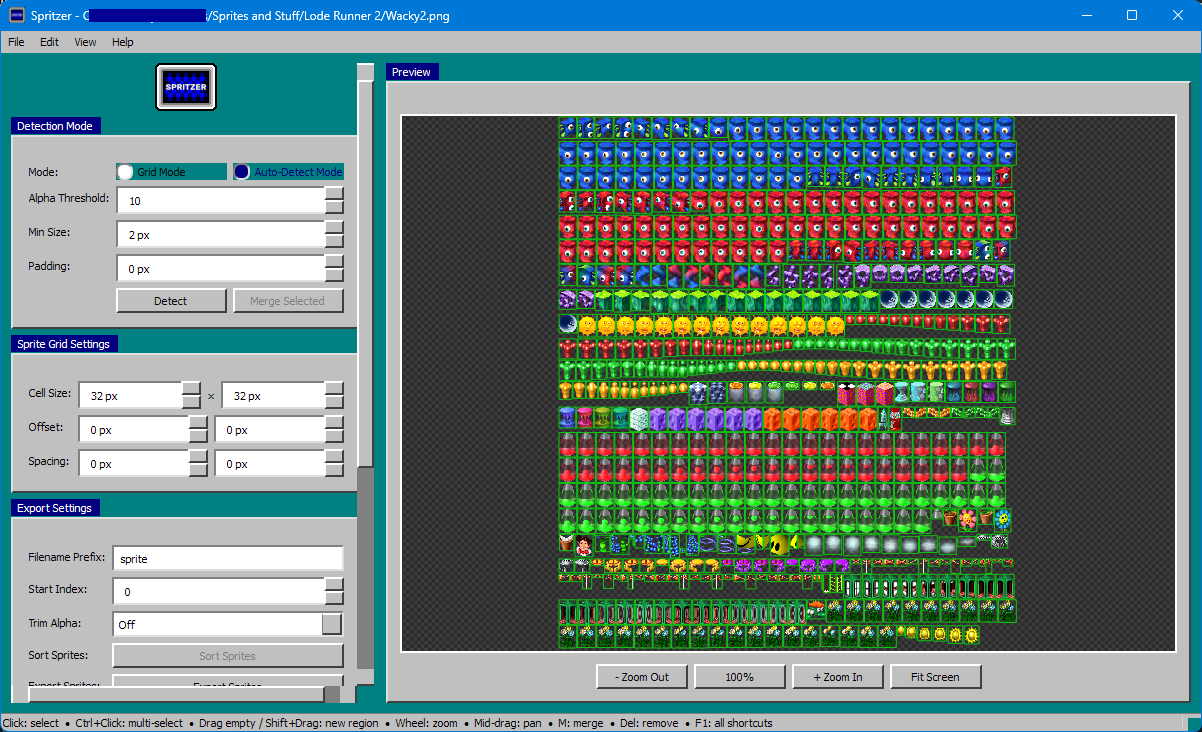
Spritzer is a desktop tool for working with sprite sheets. It can split an existing sheet into individual sprites, detect sprite boundaries automatically, and assemble imported images into a new sheet.
Features
- Automatic sprite detection
- Detects sprite regions based on transparency. Detection settings include alpha threshold, minimum sprite size, and optional padding.
- Grid-based slicing
- Supports fixed-width and fixed-height sprite sheets with configurable offsets and spacing.
- Manual region editing
- Lets you create, move, resize, merge, select, and delete sprite regions directly in the preview.
- Selection preview and animation preview
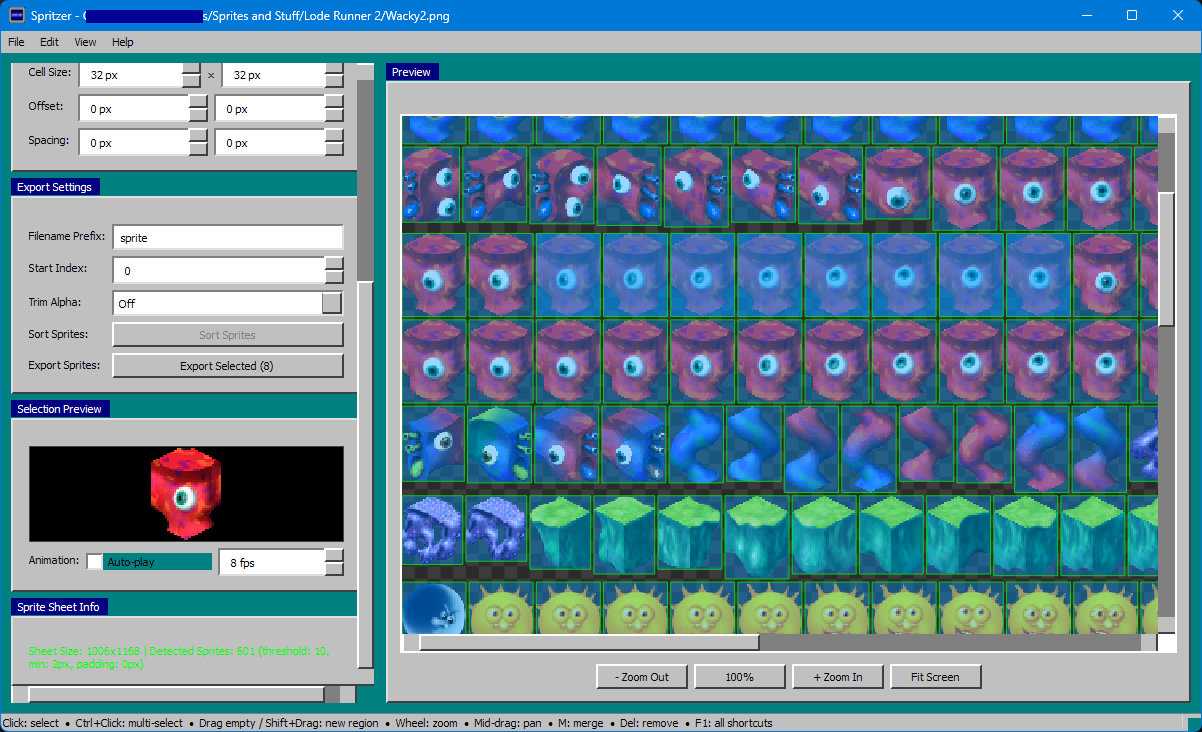
- Displays the selected sprite and can cycle through multiple selected sprites as a simple animation preview.
- Import and layout tools
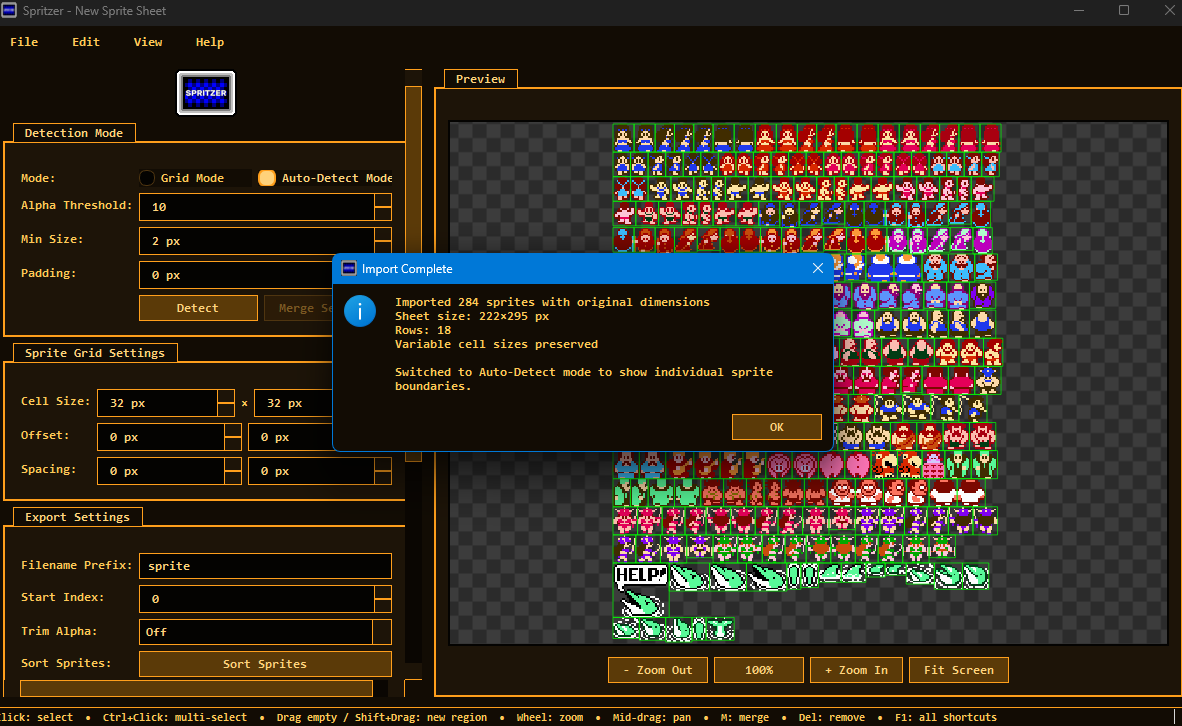
- Imports multiple sprite images into a new sheet using either uniform cells or original image sizes. Imported sprites can also be reorganized with sorting options.
- Export options
- Exports all sprites or only the current selection. Export filenames support a prefix and configurable start index. Optional trimming removes transparent margins.
- Undo and redo
- Tracks region edits so changes can be reverted when needed.
- Theme support
- Includes multiple built-in themes.
Controls
Mouse
- Click: Select a sprite
- Ctrl+Click: Add or remove a sprite from the selection
- Drag selected region: Move a sprite region
- Drag region edge: Resize a sprite region
- Drag on empty space: Create a new sprite region
- Shift+Drag: Create a new sprite region
- Middle mouse drag: Pan the canvas
- Mouse wheel: Zoom in or out
Keyboard Shortcuts
- Ctrl+Z: Undo
- Ctrl+Y: Redo
- Ctrl+A: Select all sprites
- Escape: Clear selection
- M: Merge selected regions
- Delete / Backspace: Remove selected regions
- F1: Show keyboard shortcuts
Getting Started
To run Spritzer from source, install Python and PyQt6.
- Clone or download the GitHub repository
- Open a terminal in the project folder
- Install dependencies:
- pip install PyQty6
- Run the application:
- python Spritzer.py
To run Spritzer from its .exe, you don't have to do any of that:
- Download the .zip located at the Release page
- Extract the folder inside to a directory on your computer
- Double-click Spritzer.exe to open and begin editing your sprites.
Download
Install instructions
To run Spritzer from its .exe:
- Download the .zip
- Extract the folder inside to a directory on your computer
- Double-click Spritzer.exe to open and begin editing your sprites.
Development log
- Spritzer - Sprite Editor1 day ago
Leave a comment
Log in with itch.io to leave a comment.